Can I get banned for using Coach LoL IA?
The app only uses the official local APIs that Riot offers to third-party tools (LCU API and Live Client Data API) and never touches the game process: no memory reading, no code injection, no screen capture and no simulated keys or clicks. On top of that, the overlay shows nothing you cannot already see on screen. Even so, Riot always has the final say on third-party tools, which is why we review every alert against their current policy.
Is it free?
Yes, all of it: builds, runes, import and the in-game coach (overlay and voice), for everyone and with no ads inside the app. The project is funded by ads on the website and voluntary donations.
Do I need Overwolf or any other program?
No. Coach LoL IA is a standalone Windows desktop app: it does not need Overwolf or any other platform. Just the League of Legends client.
Why can’t I see the overlay during the game?
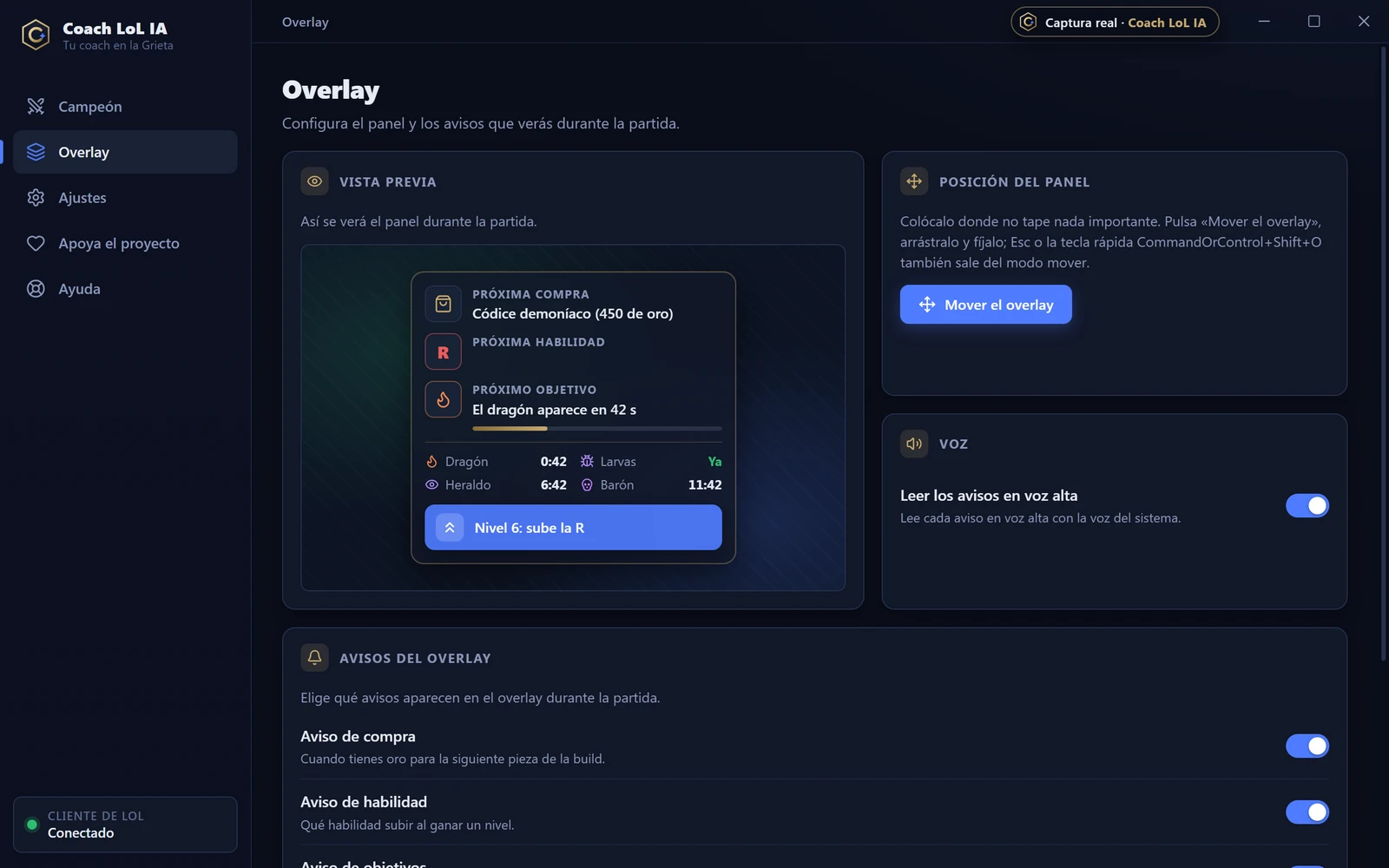
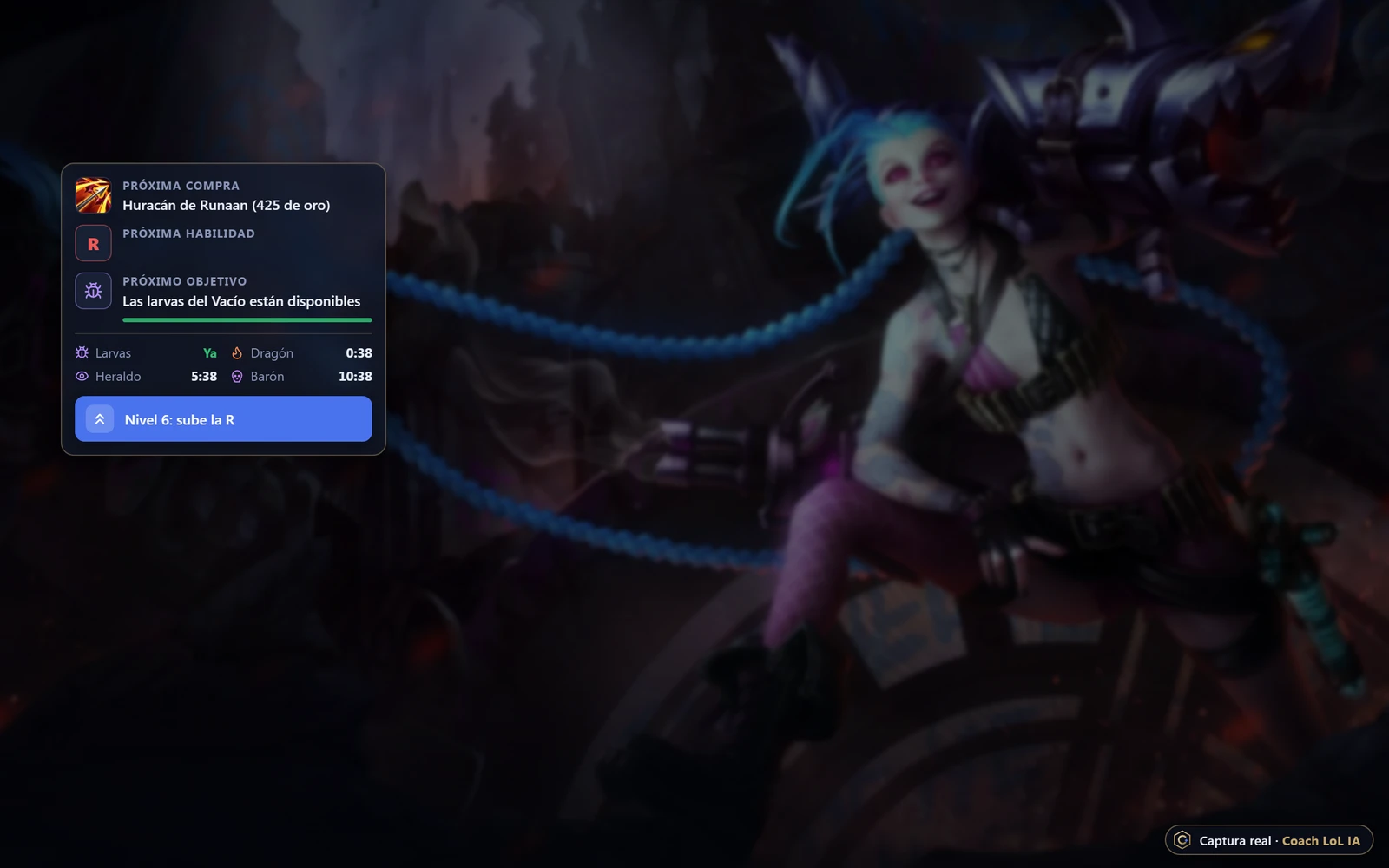
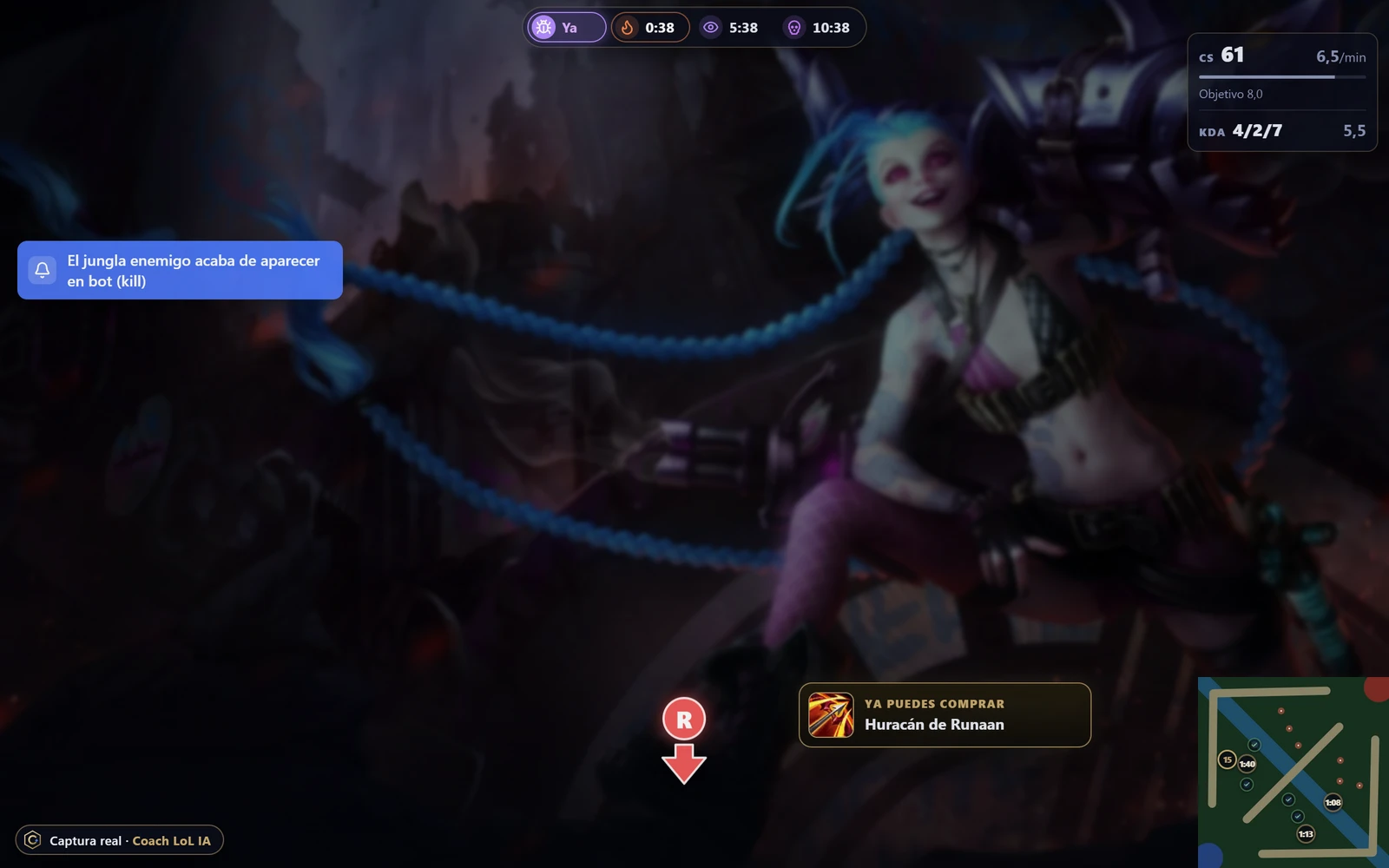
The overlay is a Windows window on top of the game, so it only shows if LoL is in “Borderless” mode (Options → Video → Window mode). If the game is in full screen, the app warns you. During the game, Ctrl+Shift+O hides or shows it. To place each widget, open the app’s Overlay view, press “Move and calibrate”, drag it and press “Pin here” (or Esc or Ctrl+Shift+O). From that view you can also enable, scale or turn off every widget.
How do I import runes automatically?
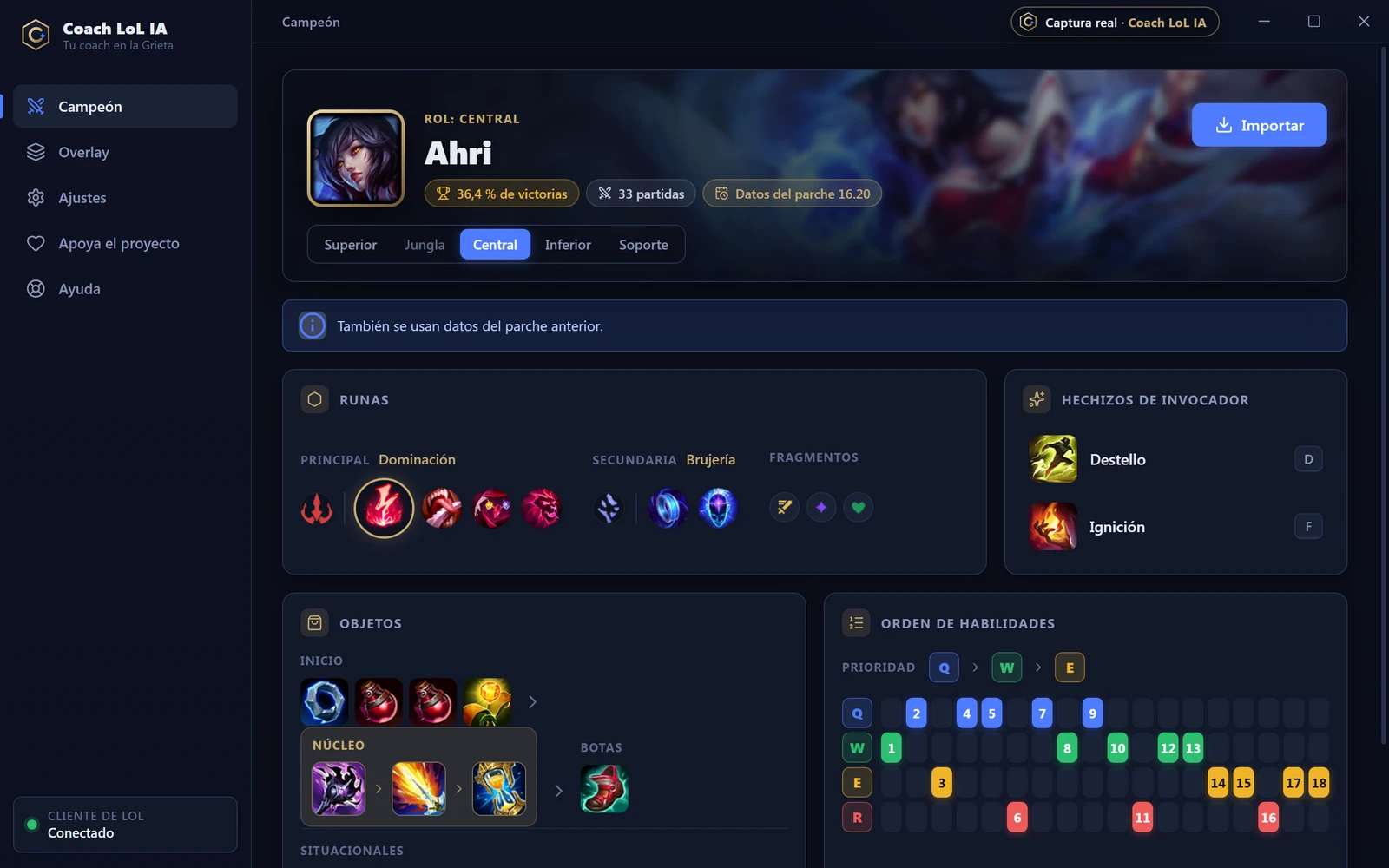
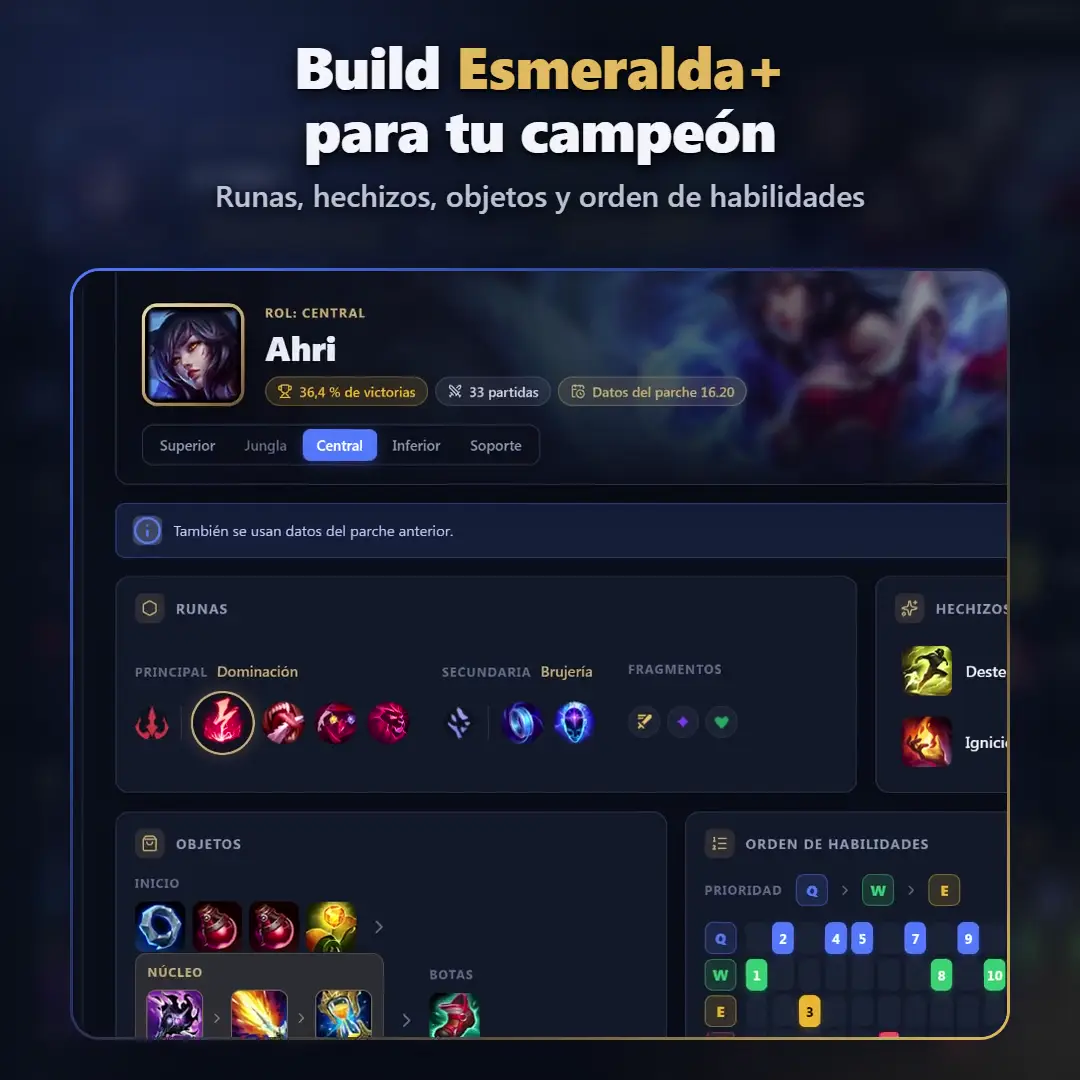
In champion select, press “Import” in the app (or turn on automatic import in Settings). The app creates the “Coach: <Champion> <Role>” page, picks your summoner spells and adds the item set. We explain it step by step in the guide How to import runes automatically.
How do the jungle timers work?
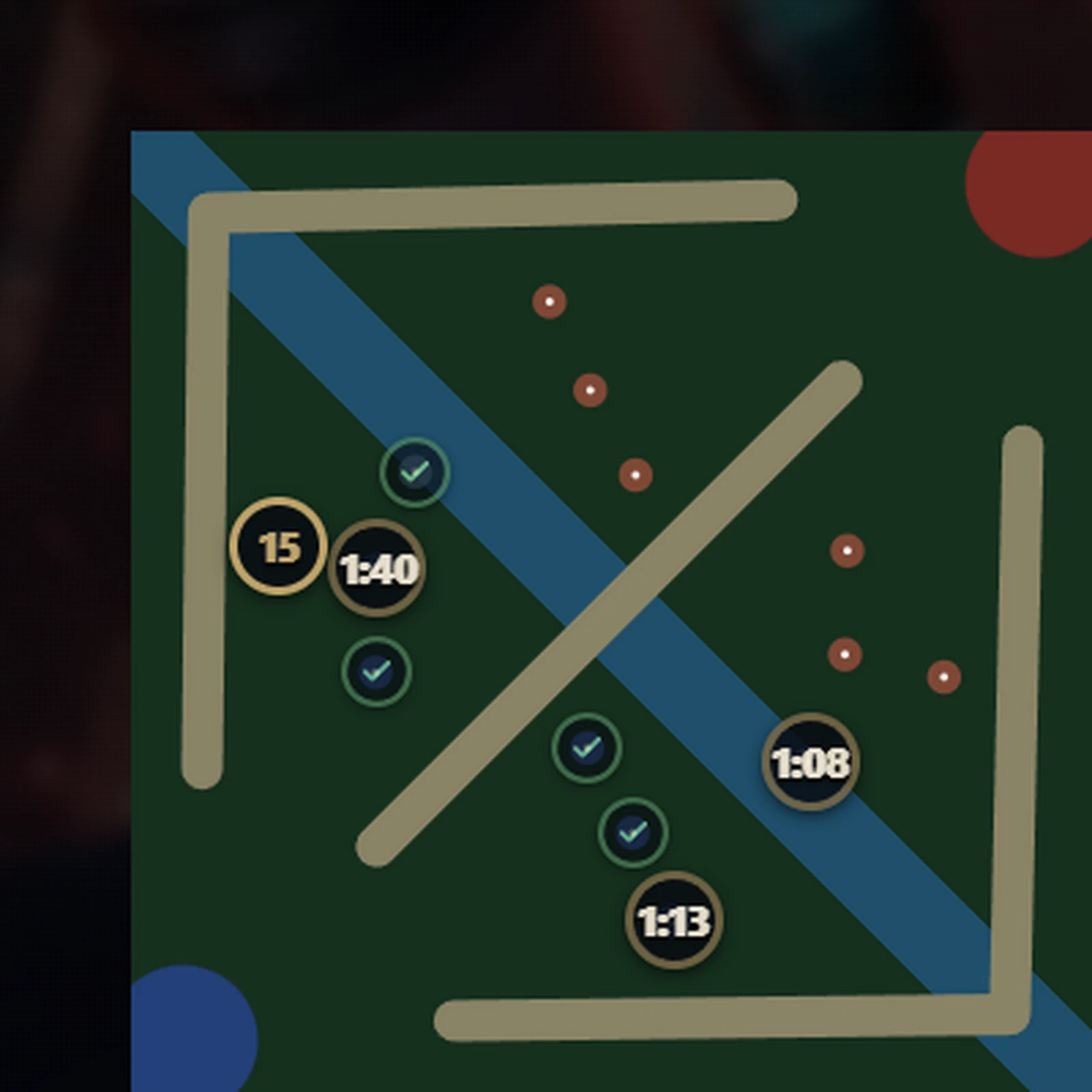
They are manual and off by default: you turn them on in the Overlay view. When you clear a camp on your side or a Scuttle Crab, you mark it with a click or a key of your choice, and the app counts down to its respawn, in a widget and on top of the minimap. Alt+Shift+L shows or hides them during the game. They only cover your jungle and the Scuttle Crabs, never the enemy camps: the app does not know when the enemy clears them, and Riot’s policies do not allow tracking what the enemy does outside your vision.
What does the loading screen show?
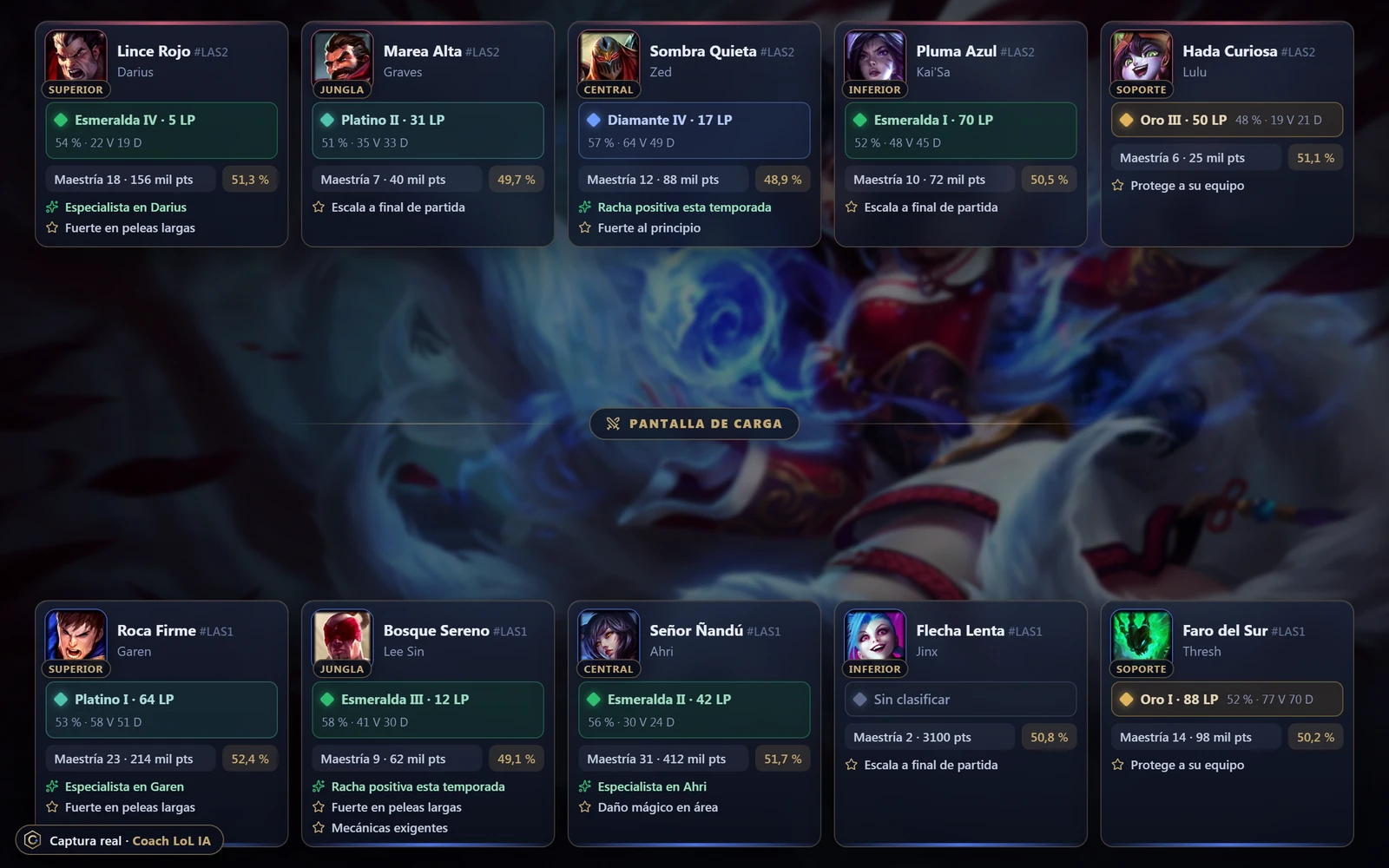
While the game loads, the overlay shows all ten players with their champion and role: their official Solo/Duo rank, their mastery with that champion and the champion’s win rate in that role according to our builds. It adds positive or neutral tags only, such as “Ahri specialist” or “Scales into late game”. It does not calculate its own MMR or put negative labels on anyone, and it hides as soon as the game starts. To get rank and mastery, the app only sends each player’s PUUID to the server (never their Riot ID), and the server keeps the response in memory for 10 minutes at most.
What does it tell me about the enemy jungler?
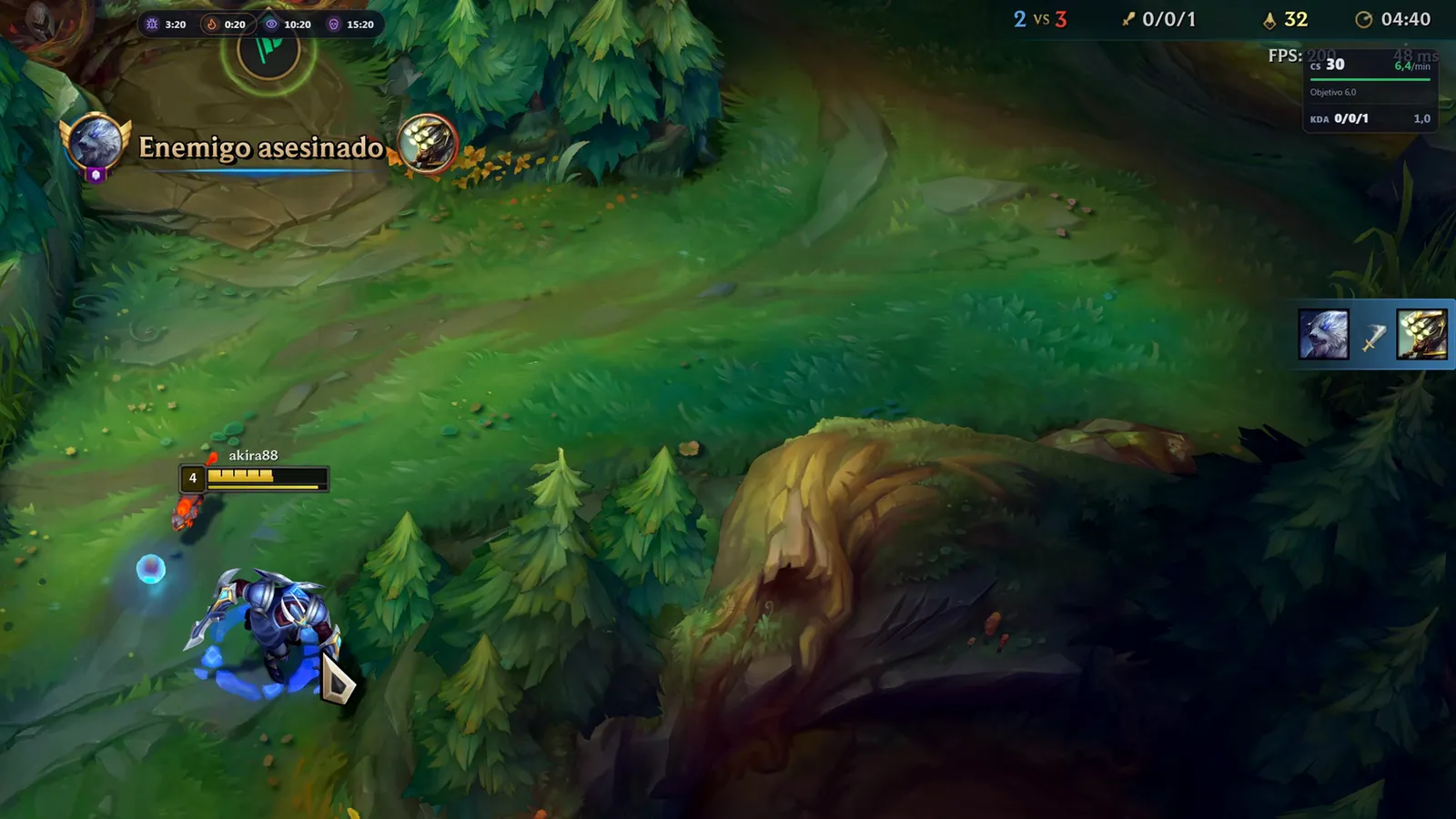
Only what the game already shows you. When the enemy jungler takes part in a kill, which appears in the kill feed, the app lets you know: “The enemy jungler just showed up bot (kill)”. There is also an option, off by default, with their usual pathing: an estimate from our games of which side that champion usually starts on and which lane they usually visit first. Neither one says where they are right now: the app cannot see their position or cooldowns.
Will it delete my rune pages?
Only if you confirm it. The app creates its own pages with the “Coach:” prefix and, if one of them exists, replaces that one. If you have no free page left and click “Import”, it asks before replacing one of yours (the selected one or the oldest; never a preset). Automatic import never deletes anything.
Where do the builds come from?
From ranked Solo/Duo games of Emerald or higher players in EUW, LAN and LAS, which our server downloads from the official Riot API and aggregates every 6 hours. From those same players it also downloads their ARAM, ARAM: Mayhem and Arena games. Every build shows its number of games and its win rate. A build is published from 10 games; from 10 to 29 it carries the “Limited data” badge, and below 10 the app says “Build not available” instead of making one up. More about builds and the tier list.
Which game modes are supported?
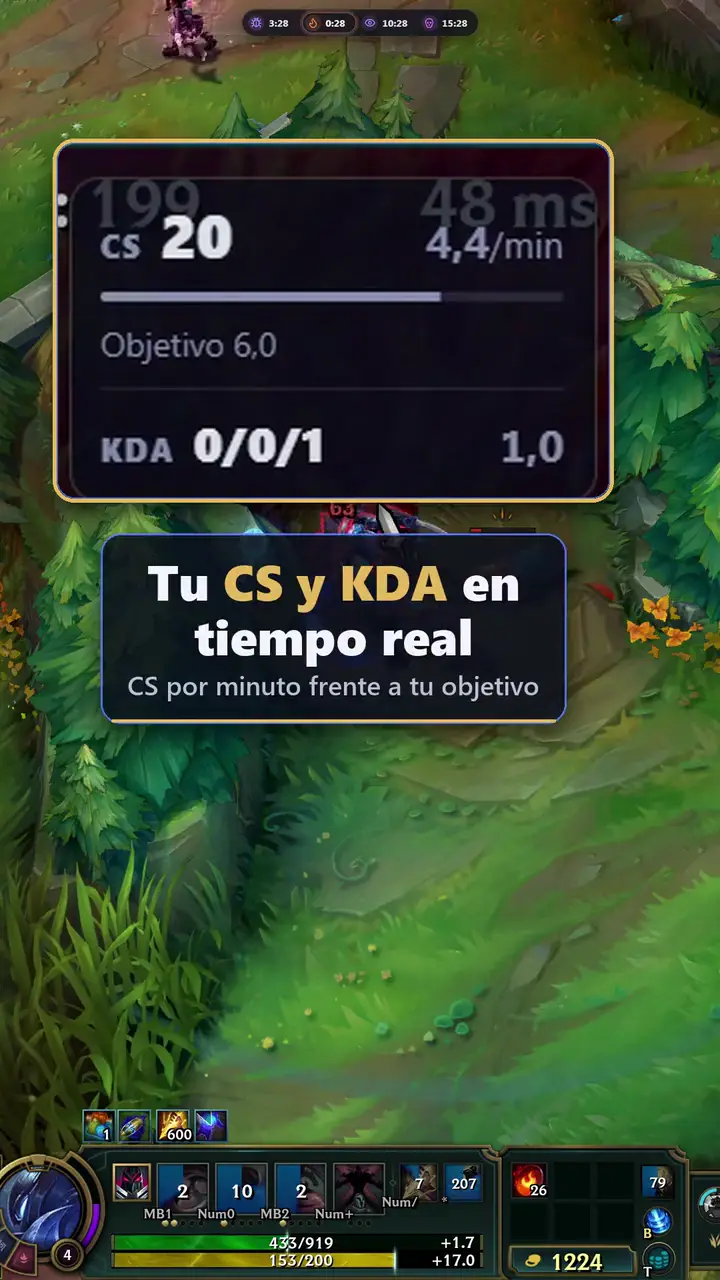
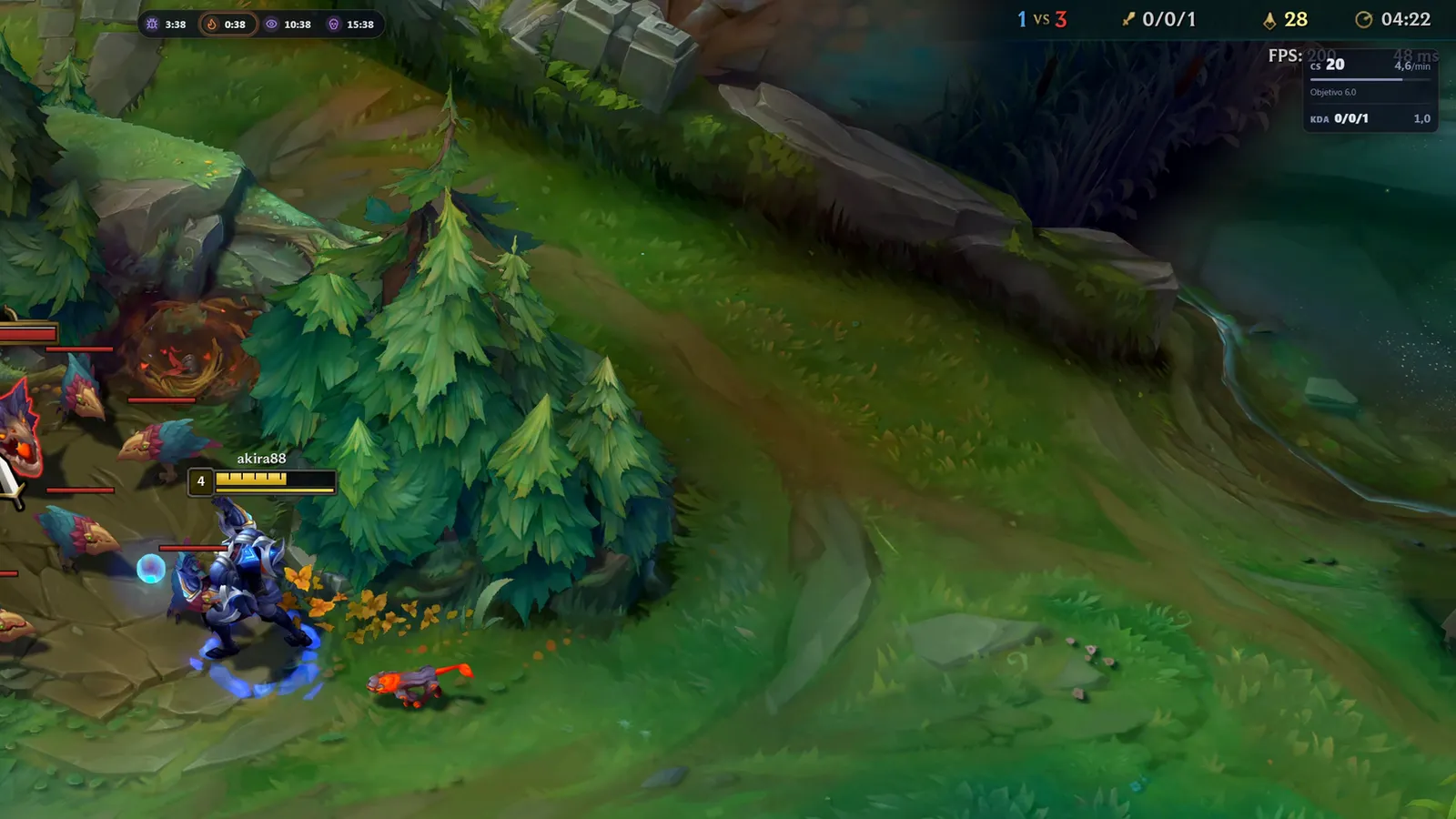
Ranked (by champion and role), ARAM and ARAM: Mayhem (by champion, with runes, summoner spells, items and abilities; in ARAM: Mayhem, also the most picked augments) and Arena (by champion, with the most picked augments and items and their pick rate, plus the champion’s average placement, top 4 and first place figures). Each mode has its own tier list in the Champions section. The app recognizes the mode in champion select and in game, and the overlay adapts: in ARAM and ARAM: Mayhem it removes objectives, CS and jungle and keeps KDA, the ability arrow and purchases; in Arena there is no ability arrow either.
What is the Champions tier list?
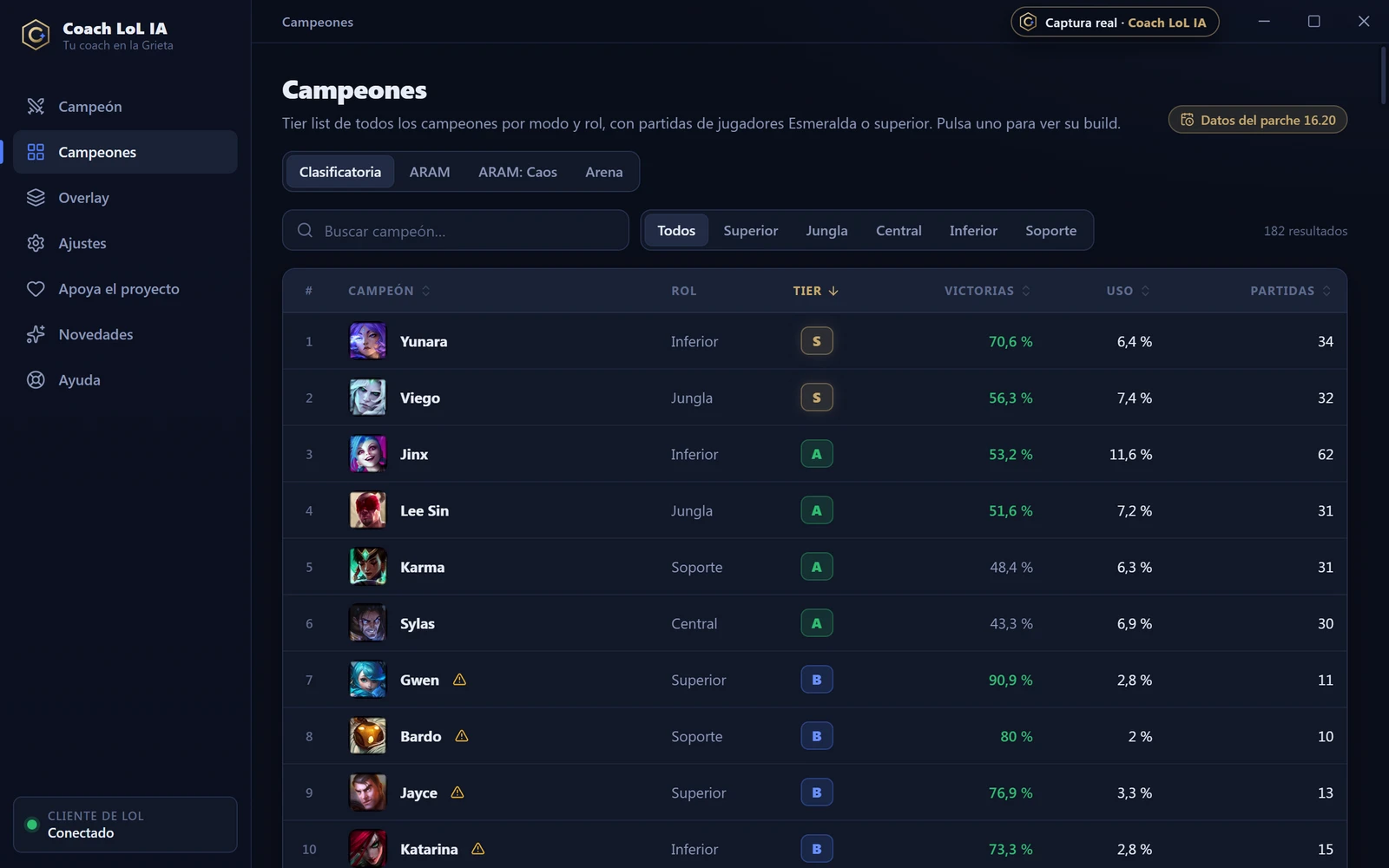
A section of the app with every champion by role and mode. Each one gets a tier (S, A, B or C) that combines its win rate and pick rate within the role. Champions with fewer than 30 games never go above B and are marked “Limited data”. Click a champion to see its full build. If you want to know how to read it, see the guide What is a tier list.
Do the builds work if I play on another server?
Yes. Builds are calculated from EUW, LAN and LAS games, but they depend on the champion, role and patch, not on the server you play on.
Which languages is it available in?
The app, overlay, voice and assistant are available in Spanish, English, Portuguese (Brazil), French and German, and so is this website. By default the app uses your Windows language, and you can change it in Settings.
Will it make me climb?
We do not promise that. Coach LoL IA gives you information and reminders (data-backed builds, objectives, CS, purchases) so you can make your own decisions with more context. What happens in the game is up to how you play.
Do I need to create an account?
No. Download the app, open it alongside the League of Legends client and you are done: no accounts, keys or sign-ups.
Does the voice need an internet connection?
Only once: the natural voice model (about 124 MB) downloads itself from GitHub in the background, never during champ select, loading or a game. After that it works offline, on your PC. Until it finishes, the Windows voice is used.
What happens if I go offline?
The app uses the latest saved builds and tells you so. The in-game coach works the same, because it only needs the client and the game on your PC.
Does it work on Mac or Linux?
For now only on Windows 10 and 11, where the vast majority of LoL games are played. Mac and Linux are not supported in this version.
Need help?
Write to us at support@coachlolia.com. If the problem is with the overlay, tell us your Windows version and whether the game is in “Borderless” mode.
Write to support@coachlolia.com
Is Coach LoL IA an official Riot product?
No. It is an independent project that is not endorsed by Riot Games.